
Rfid C72 SDK Plugin
Note:- This Plugin Support Android 11.
Steps to follow
- flutter pub add Rfid_c72_plugin
- create/add folder to android
-
create android/libs folder
-
download content from below link and copy in android/libs
Note:- (build.gradle and DeviceAPI_ver20220518_release.arr add this files to android/libs) Link
- In setting.gradle add below lines.
- include ':app',':libs' //libs is folder name
- In build.gradle add below lines. // app level (android/app/build.gradle)
-
dependencies { implementation project(":libs",) } //libs is folder name
see here -> link
- minSdkVersion 19 or higher
-
Ready to use :D
Examples
import 'package:flutter/material.dart';
import 'package:rfid_c72_plugin_example/rfid_scanner.dart';

void main() {
  runApp(const MyApp());
}

class MyApp extends StatefulWidget {
  const MyApp({Key? key}) : super(key: key);

  @override
  State<MyApp> createState() => _MyAppState();
}

class _MyAppState extends State<MyApp> {
  @override
  Widget build(BuildContext context) {
    return const MaterialApp(
      debugShowCheckedModeBanner: false,
      home: RfidScanner(),
    );
  }
}
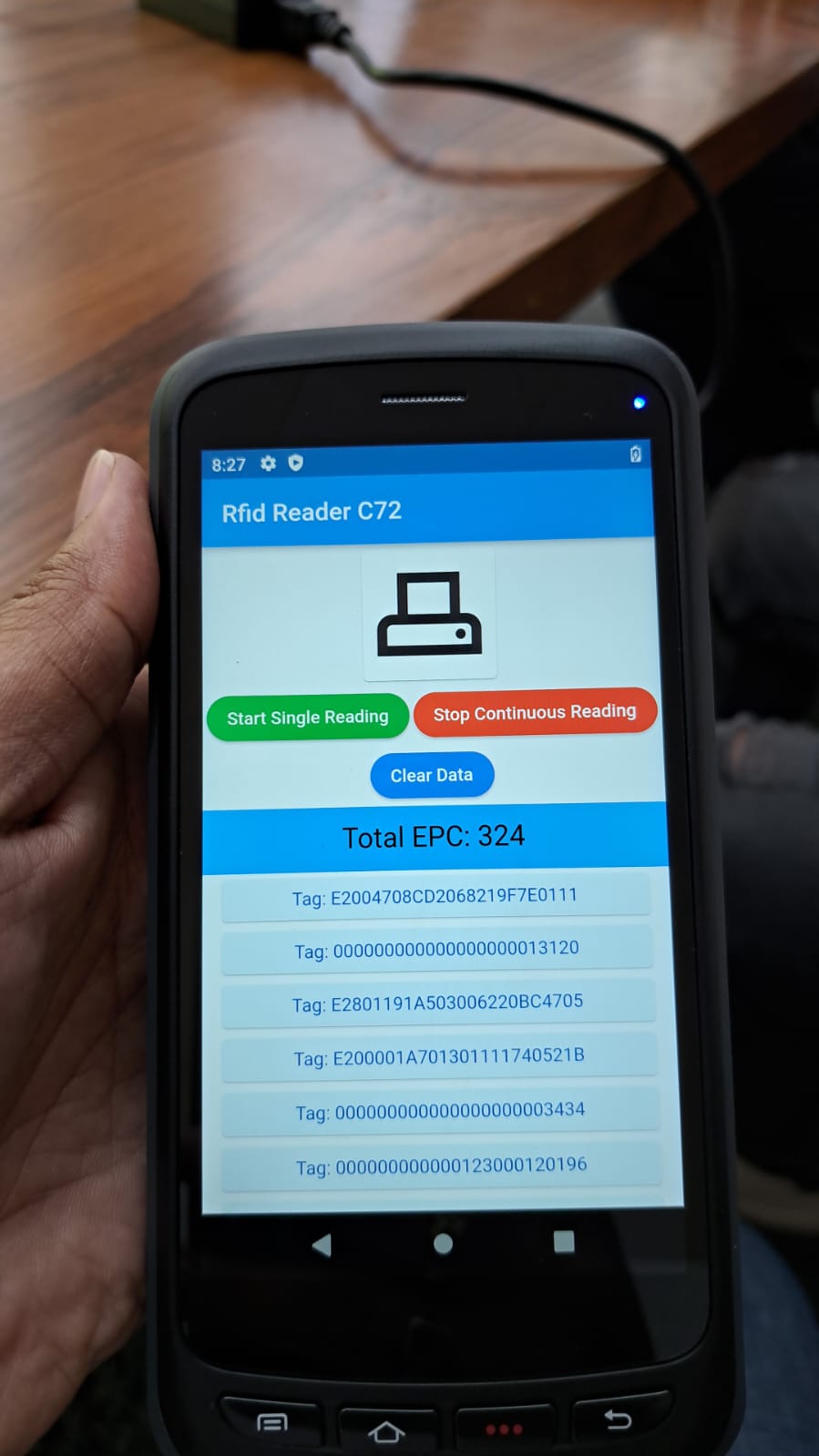
Tested on Rfid C72 Device
Authors
Badges



Support
For support, give a star ⭐ to repo.