
audience_network 0.0.2  audience_network: ^0.0.2 copied to clipboard
Facebook Audience Network plugin for Flutter apps. You can show Facebook Banner ads, Interstitial ads, Rewarded video ads and Native ads though this plugin.
audience_network #



Facebook Audience Network plugin for Flutter applications (Android & iOS).
| Banner Ad | Native Banner Ad | Native Ad |
|---|---|---|
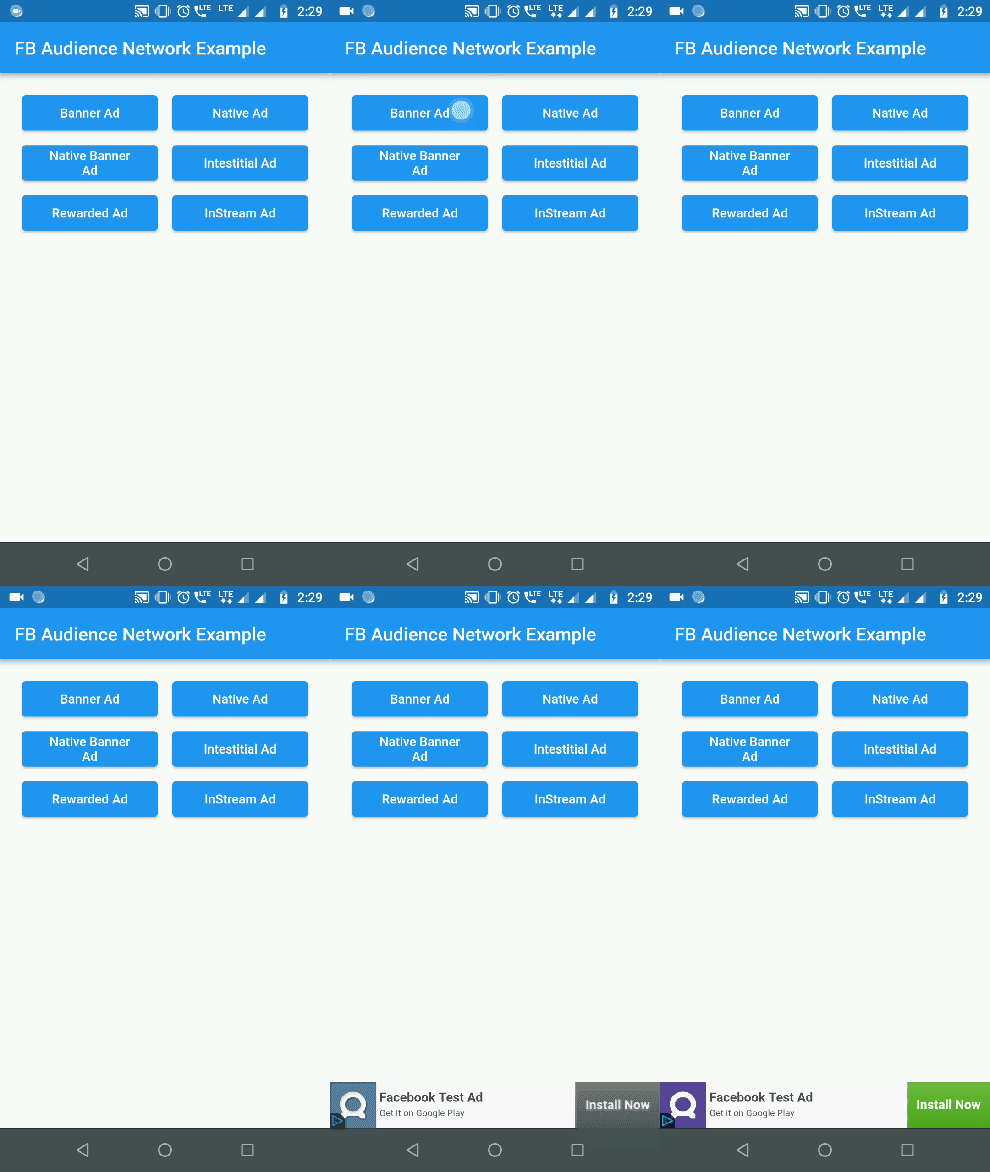 |
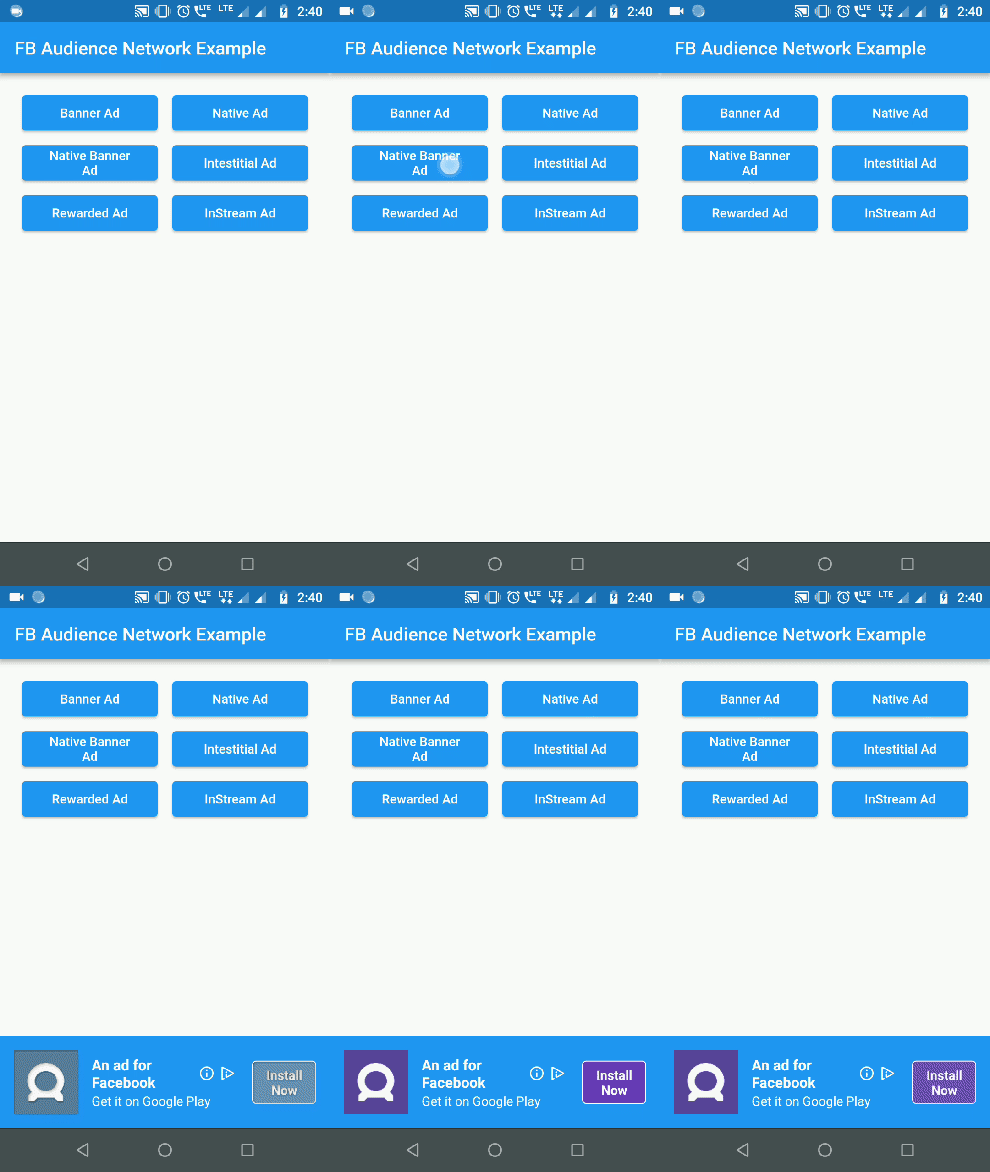 |
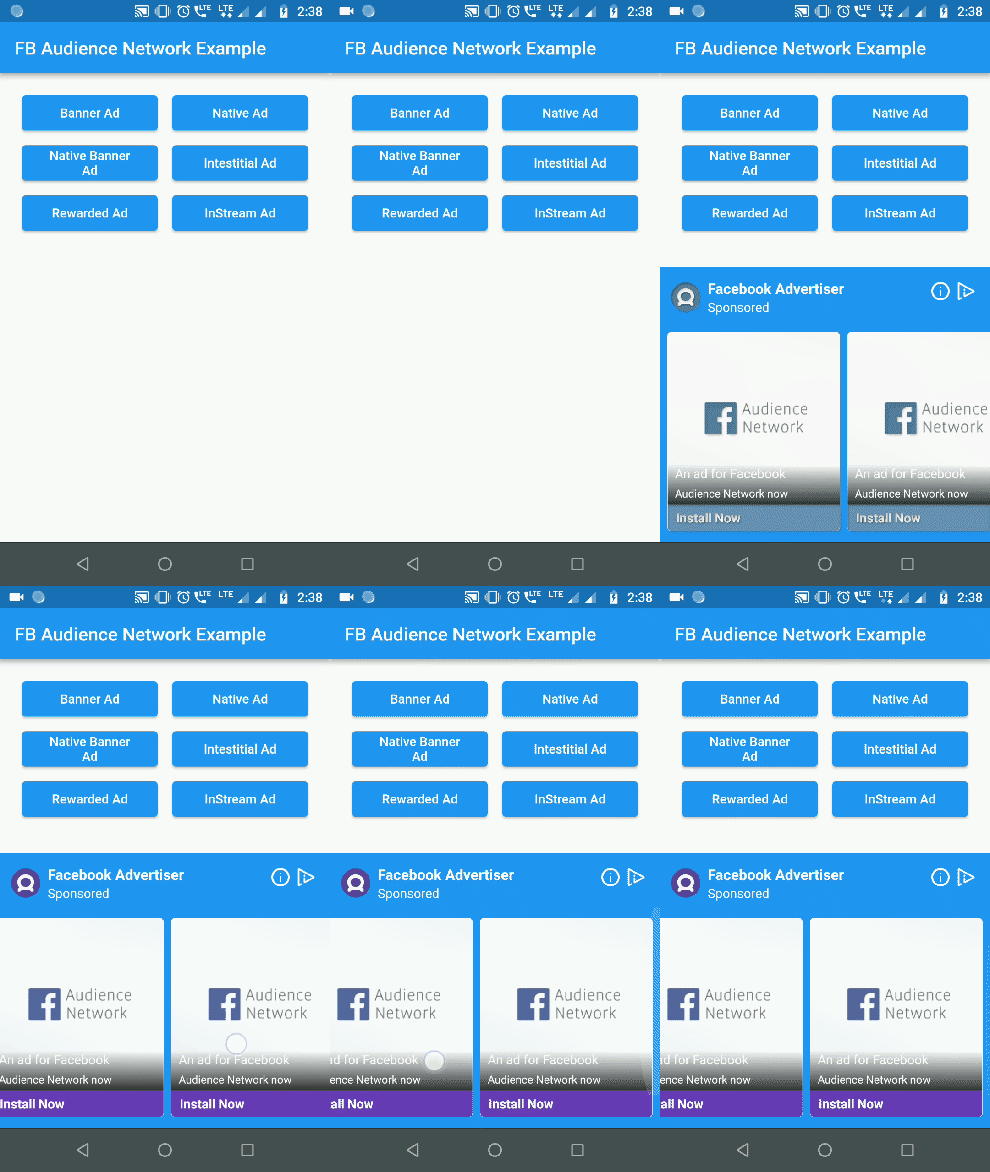 |
| Interstitial Ad | Rewarded Video Ad |
|---|---|
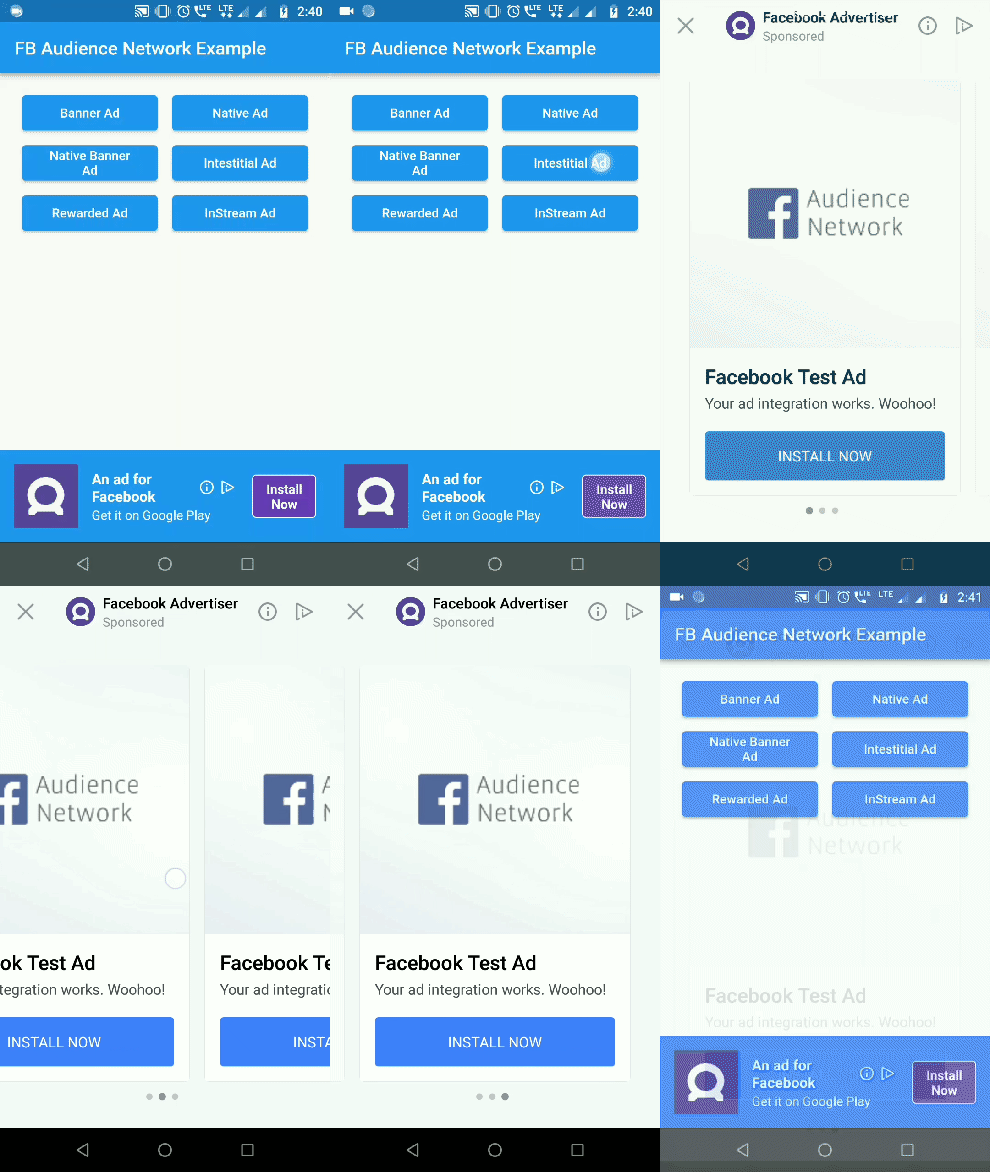 |
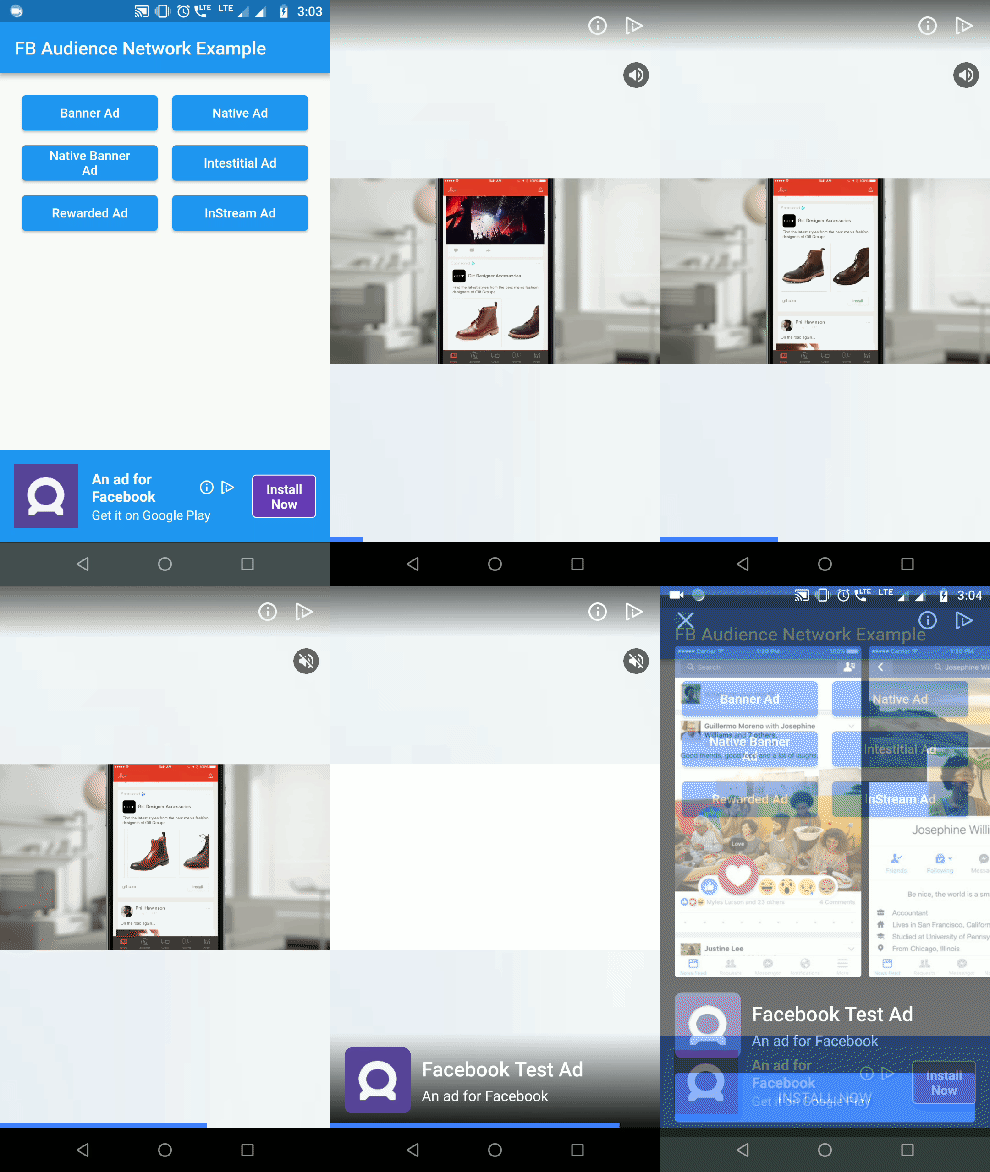 |
Getting Started #
1. Initialization: #
For testing purposes you need to obtain the hashed ID of your testing device. To obtain the hashed ID:
- Call
AudienceNetwork.init()during app initialization. - Place the
BannerAdwidget in your app. - Run the app.
The hased id will be in printed to the logcat. Paste that onto the testingId parameter.
AudienceNetwork.init(
  testingId: "37b1da9d-b48c-4103-a393-2e095e734bd6", //optional
  testMode: true, // optional
  iOSAdvertiserTrackingEnabled: true, //default false
);
IOS Setup
In Pod file, set the IOS deployment target version to 9.0
2. Show Banner Ad: #
Container(
  alignment: Alignment(0.5, 1),
  child: BannerAd(
    placementId: Platform.isAndroid ? "YOUR_ANDROID_PLACEMENT_ID" : "YOUR_IOS_PLACEMENT_ID",
    bannerSize: BannerSize.STANDARD,
    listener: (result, value) {
      switch (result) {
        case BannerAdResult.ERROR:
          print("Error: $value");
          break;
        case BannerAdResult.LOADED:
          print("Loaded: $value");
          break;
        case BannerAdResult.CLICKED:
          print("Clicked: $value");
          break;
        case BannerAdResult.LOGGING_IMPRESSION:
          print("Logging Impression: $value");
          break;
      }
    },
  ),
)
3. Show Interstitial Ad: #
final interstitialAd = InterstitialAd('YOUR_PLACEMENT_ID');
interstitialAd.listener = InterstitialAdListener(
  onLoaded: () {
    interstitialAd.show();
  },
  onDismissed: () {
    interstitialAd.destroy();
    print('Interstitial dismissed');
  },
);
interstitialAd.load();
4. Show Rewarded Video Ad: #
final rewardedAd = RewardedAd(
  'YOUR_PLACEMENT_ID',
  userId: 'some_user_id', // optional for server side verification
);
rewardedAd.listener = RewardedAdListener(
  onLoaded: () {
    rewardedAd.show();
  },
  onVideoComplete: () {
    rewardedAd.destroy();
    print('Video completed');
  },
);
rewardedAd.load();
5. Show Native Ad: #
- NativeAdType NATIVE_AD_HORIZONTAL & NATIVE_AD_VERTICAL ad types are supported only in iOS. In Android use NATIVE_AD.
NativeAd(
  placementId: "YOUR_PLACEMENT_ID",
  adType: NativeAdType.NATIVE_AD,
  width: double.infinity,
  height: 300,
  backgroundColor: Colors.blue,
  titleColor: Colors.white,
  descriptionColor: Colors.white,
  buttonColor: Colors.deepPurple,
  buttonTitleColor: Colors.white,
  buttonBorderColor: Colors.white,
  keepAlive: true, //set true if you do not want adview to refresh on widget rebuild
  keepExpandedWhileLoading: false, // set false if you want to collapse the native ad view when the ad is loading
  expandAnimationDuraion: 300, //in milliseconds. Expands the adview with animation when ad is loaded
  listener: (result, value) {
    print("Native Ad: $result --> $value");
  },
),
6. Show Native Banner Ad: #
Use NativeBannerAdSize to choose the height for Native banner ads. height property is ignored for native banner ads.
NativeAd(
  placementId: "YOUR_PLACEMENT_ID",
  adType: NativeAdType.NATIVE_BANNER_AD,
  bannerAdSize: NativeBannerAdSize.HEIGHT_100,
  width: double.infinity,
  backgroundColor: Colors.blue,
  titleColor: Colors.white,
  descriptionColor: Colors.white,
  buttonColor: Colors.deepPurple,
  buttonTitleColor: Colors.white,
  buttonBorderColor: Colors.white,
  listener: (result, value) {
    print("Native Ad: $result --> $value");
  },
),
Check out the example for complete implementation.
iOS wrapper code contribution by lolqplay team from birdgang
Note: Instream video ad has been removed by Facebook. Read more here #
Metadata
Publisher
unverified uploader
Weekly Downloads
Metadata
Facebook Audience Network plugin for Flutter apps. You can show Facebook Banner ads, Interstitial ads, Rewarded video ads and Native ads though this plugin.
Repository (GitHub)
View/report issues
License
 unknown (license)
Dependencies
More
Packages that depend on audience_network
Packages that implement audience_network

