
context_show 0.2.0  context_show: ^0.2.0 copied to clipboard
 dominikkrajcer.com
A lightweight and flexible Flutter package for showing custom overlays, banners, toasts and dialogs with simple, context-based extension. Highly customizable and easy to use.


A Flutter package that provides a simple and powerful way to show custom overlays, toasts, banners, snackbars, dialogs etc. using the BuildContext.
Introduction #
context_show simplifies the process of displaying temporary widgets on the screen. It extends BuildContext with a show() method that allows you to render any widget as an overlay, with full control over alignment, duration, and animations.
Say goodbye to boilerplate code for managing OverlayEntry and AnimationController.
Features #
- 🪄 Simple API: Show your widget with a single line of code:
context.show(...). - 🎯 Flexible alignment – display widgets at any screen position (
top,bottom,center, etc.). - 🎨 Customizable transitions –
fade,scale,slide,rotate, or compose your own. - ✅ Customizable Alignment: Display widgets at any position on the screen (top, bottom, center, etc.).
- 🧩 Composable animations – chain multiple transitions fluently .
fade().scale().rotation(). - 🖼️ Custom Background: add custom backgrounds or animated backdrops.
- 👆 Dismissible overlays – tap outside to close with ease.
- ⏱️ Auto-dismiss – control duration or disable with
Duration.zero. - ✅ Type-safe results – returns a
Future<T?>that resolves when the overlay closes. - ⚡ Lightweight – zero dependencies, built on pure
Flutter.
Usage Examples #
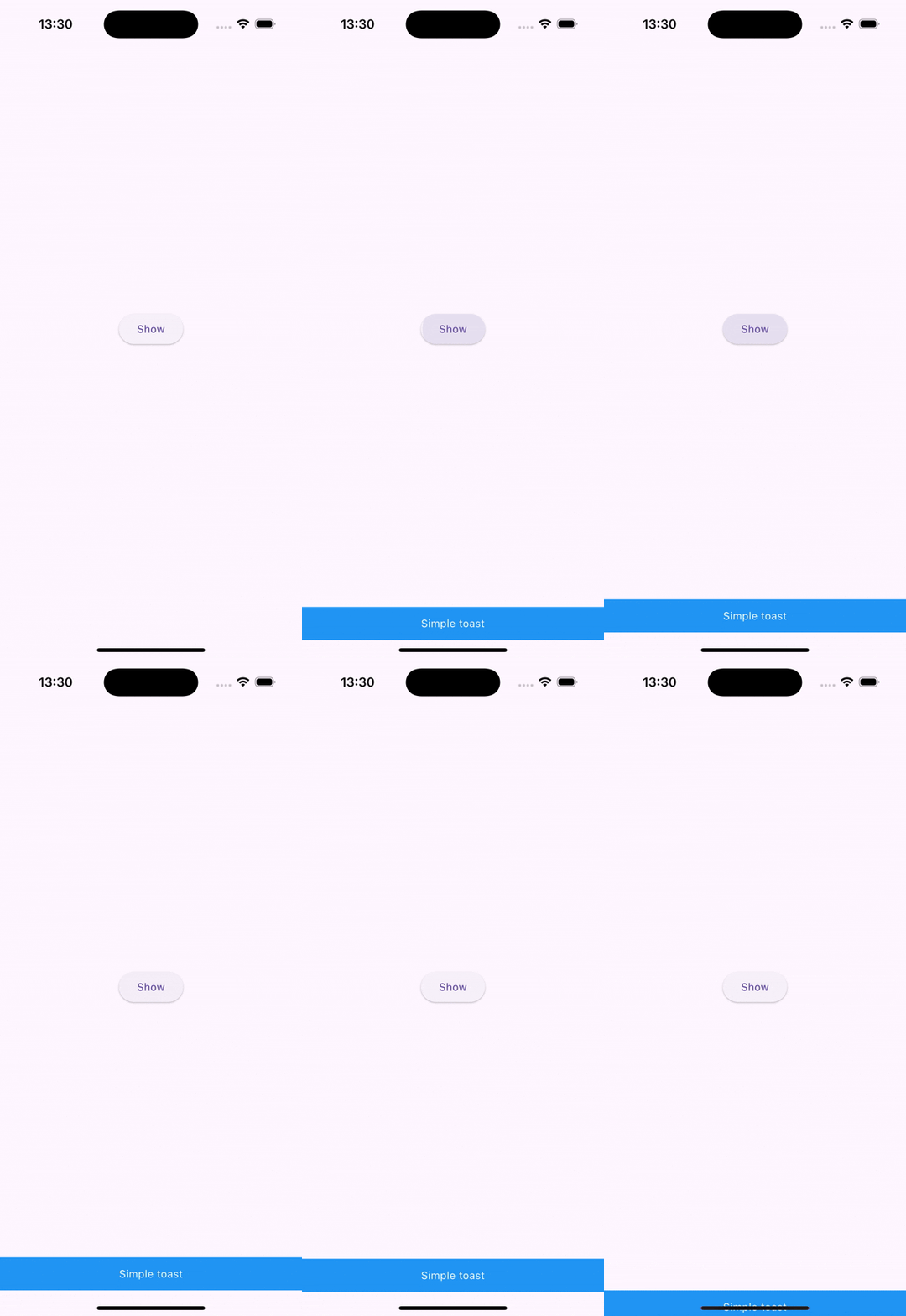
| Simple blue toast that slides up from the bottom and auto-dismisses after 4 seconds. | |
|---|---|
|
|
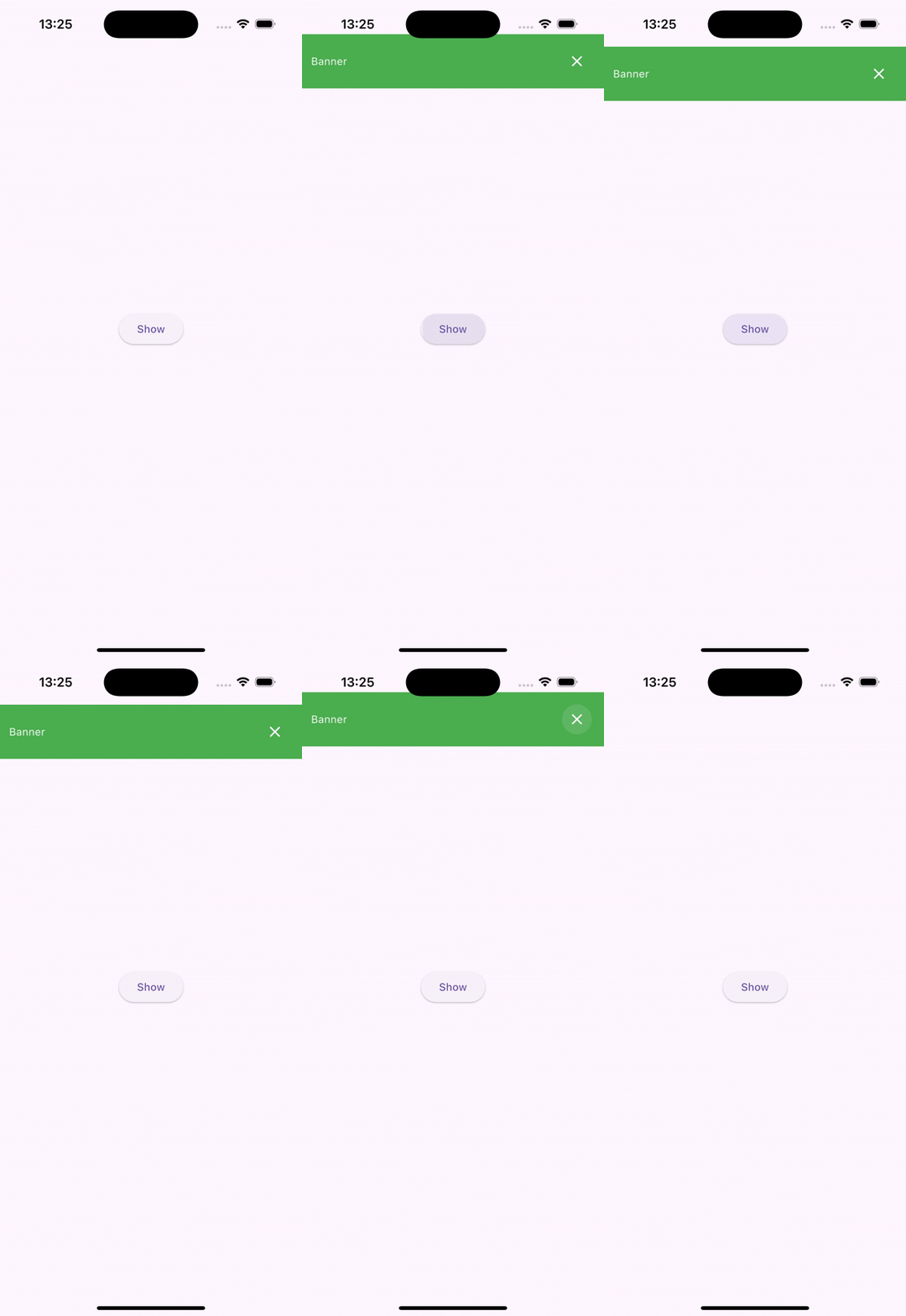
| Green banner that slides down from the top and can be only closed by clicking on the close icon button. | |
|
|
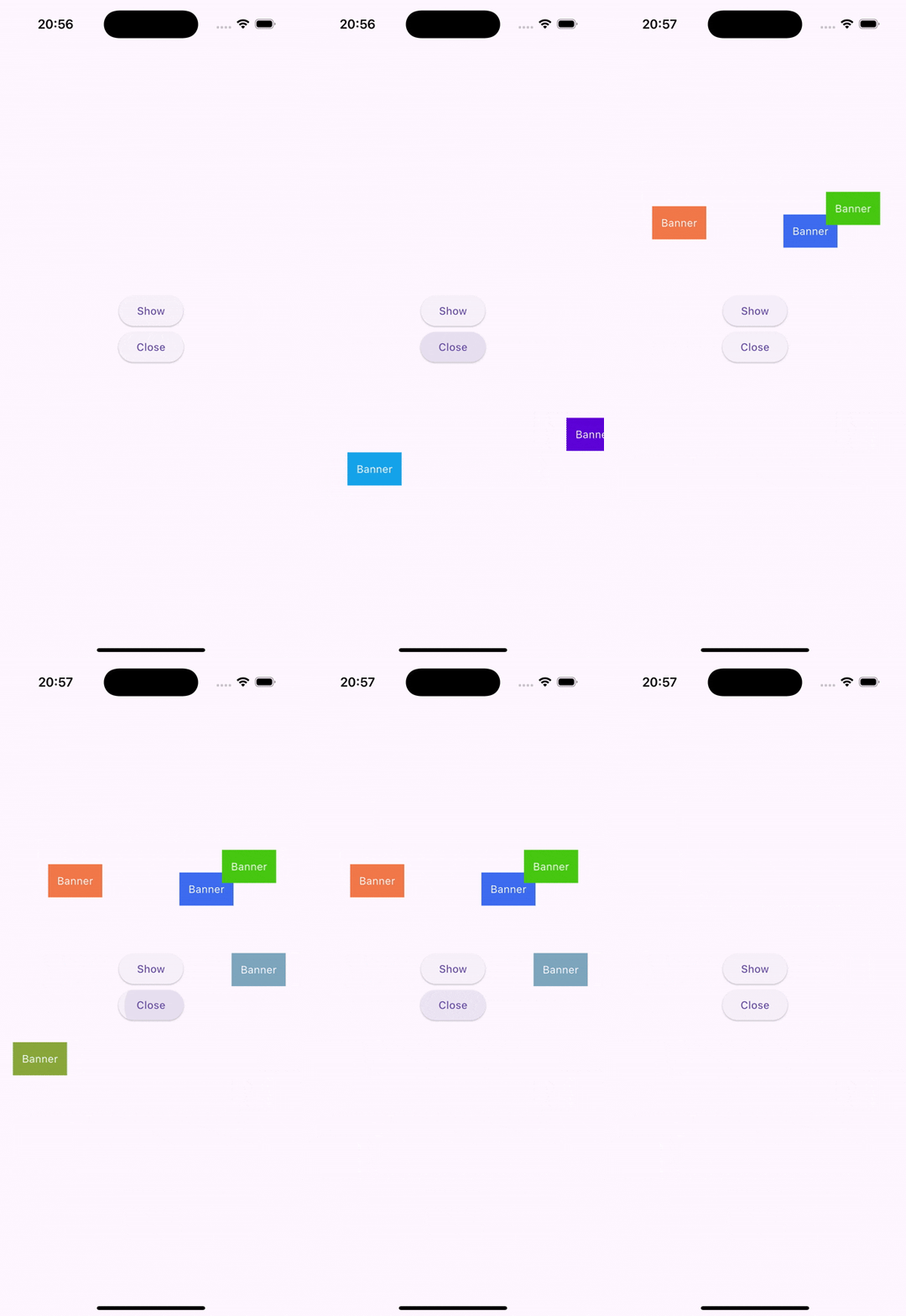
| Showing multiple banners with random color and random alignment and closing them one by one with separate button | |
|
|
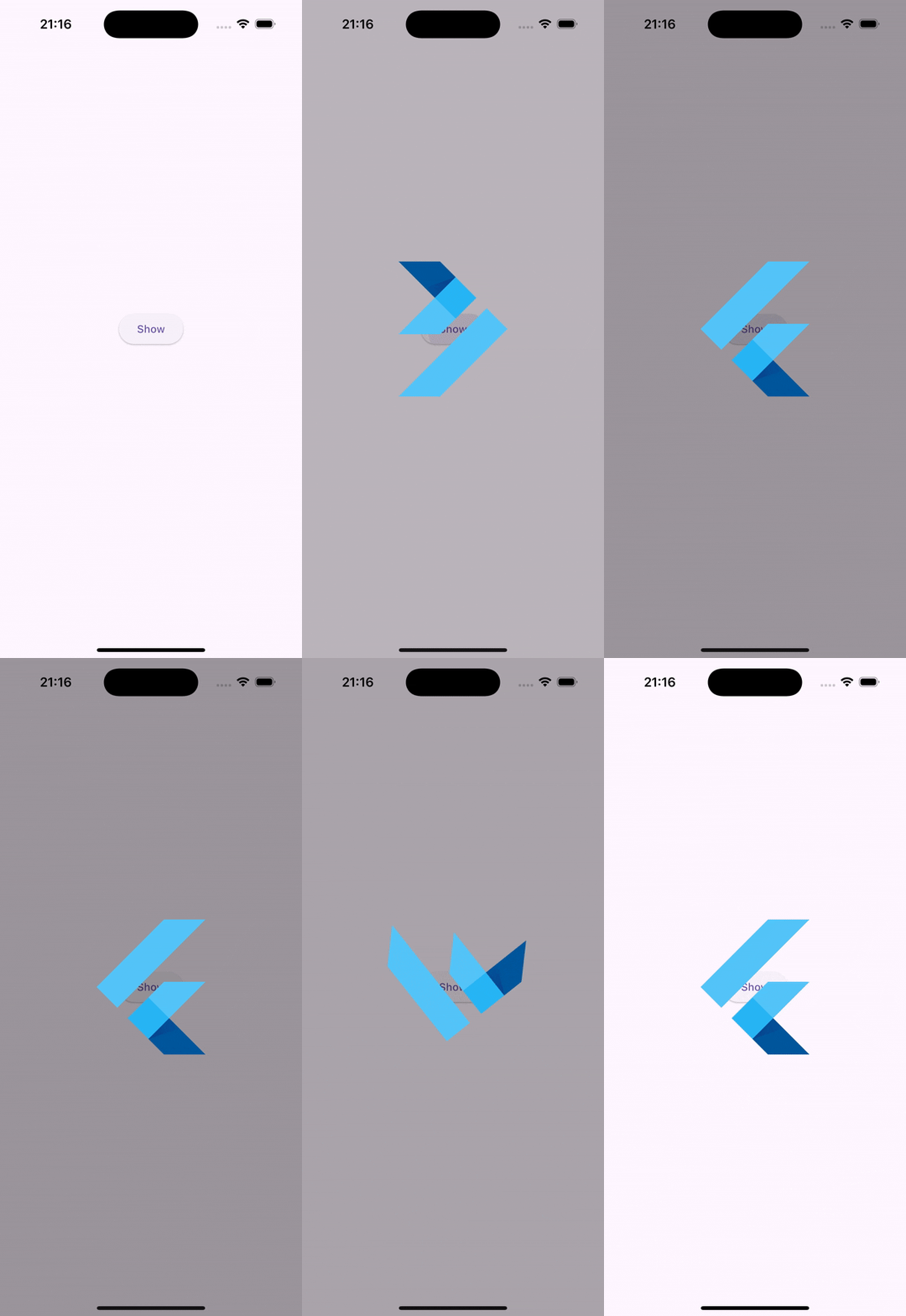
| Showing Flutter logo in the center with a rotation animation, on a dimmed, dismissible background | |
|
|
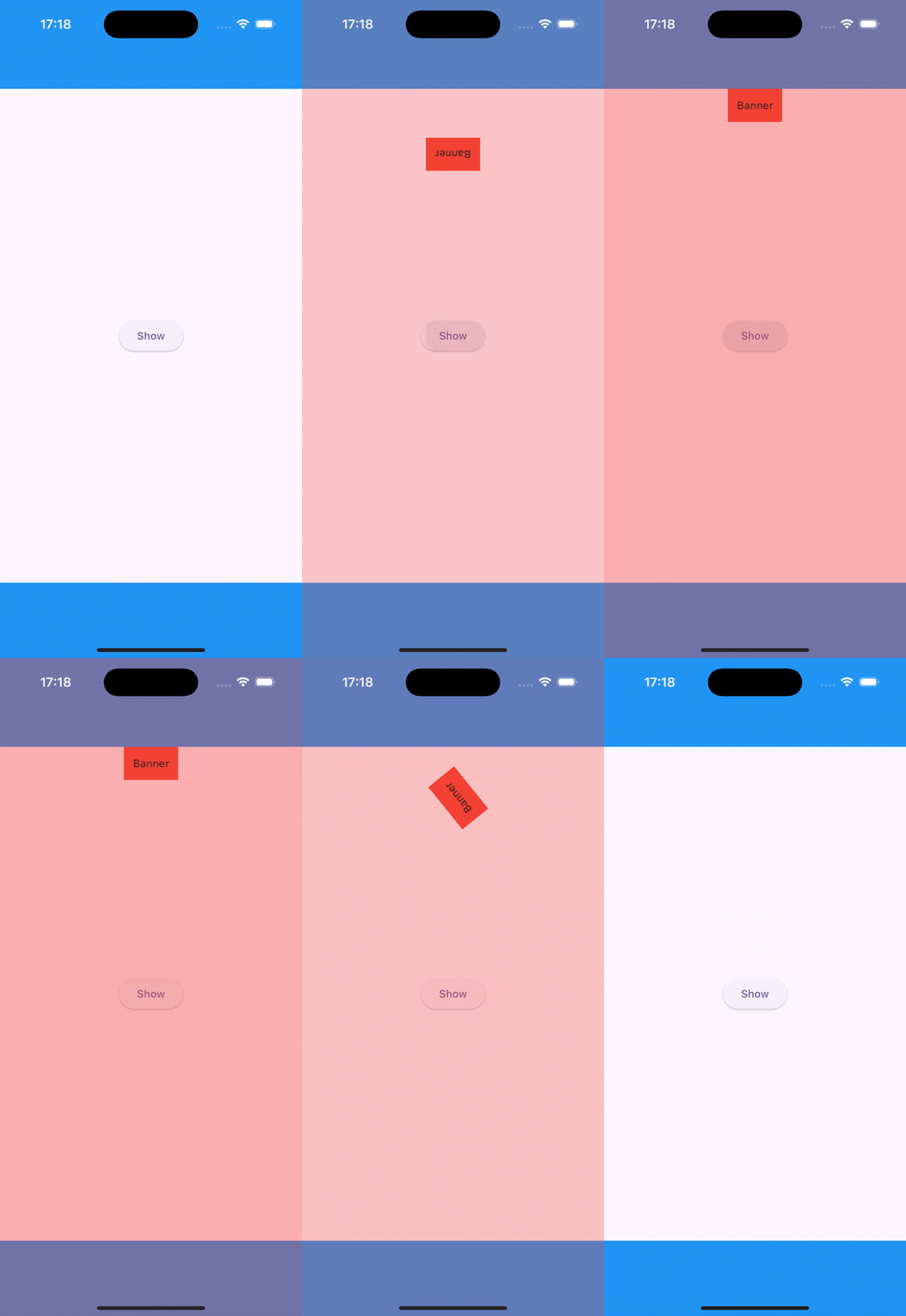
| Displays a small red banner at the top center, aligned with the app bar and safe area insets. It slides in from below with a rotation effect, over a reddish, dismissible background | |
|
|
Metadata


Publisher
Weekly Downloads
Metadata
A lightweight and flexible Flutter package for showing custom overlays, banners, toasts and dialogs with simple, context-based extension. Highly customizable and easy to use.
Repository (GitHub)
View/report issues
Topics
#overlay #toast #banner #snackbar #dialog
Documentation
License
 MIT (license)

