
qr_code_dart_scan 0.1.0  qr_code_dart_scan: ^0.1.0 copied to clipboard
 rafaelbarbosatec.com
A QR code scanner that works on both iOS and Android using dart decoder.

QRCodeDartScan #
A QR code scanner that works on both iOS and Android using dart decoder.
| Scanning normal Qr code | Scanning invert Qr code |
|---|---|
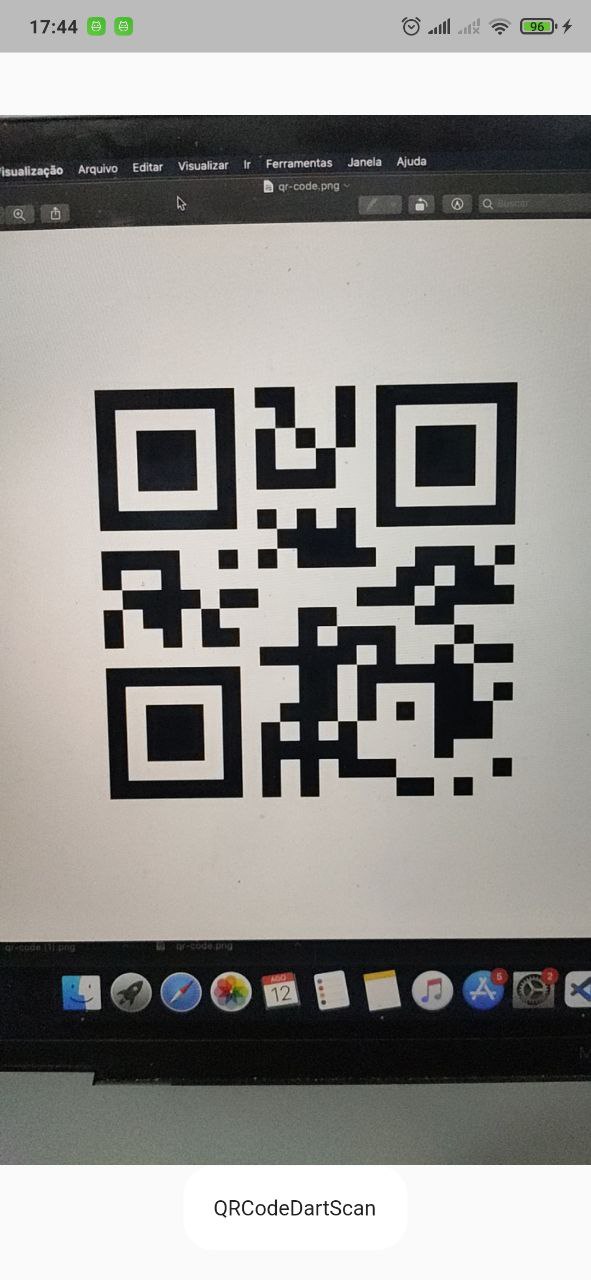 |
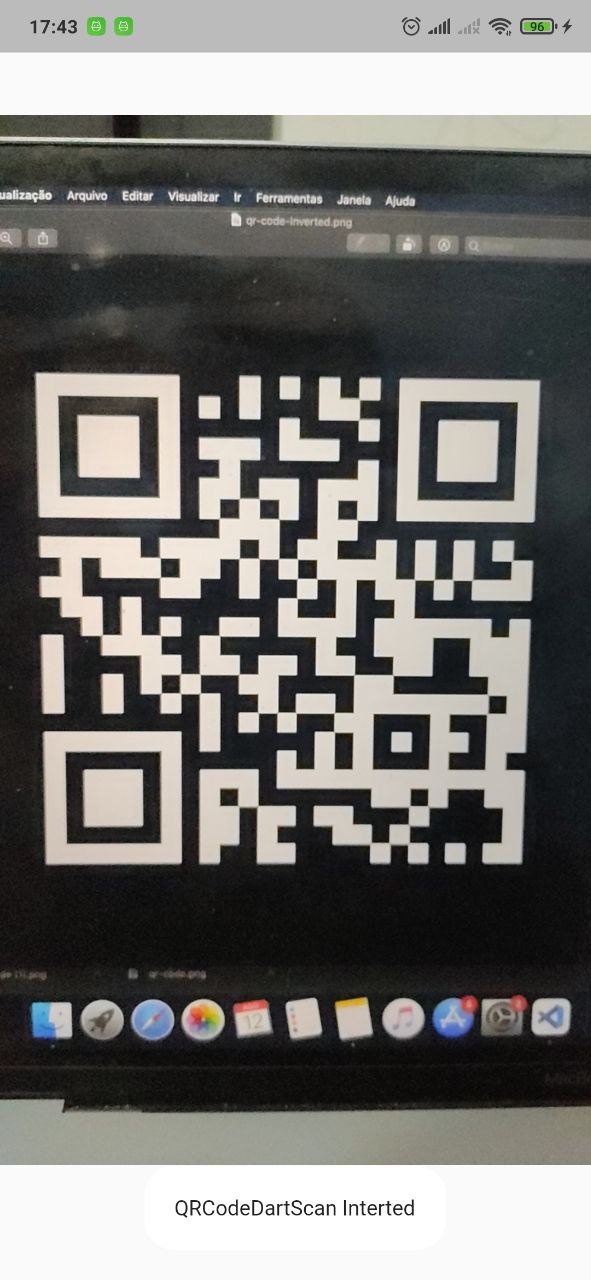 |
Features #
- Camera scan preview in a widget
- Scan QRCode
- Scan invert QRCode
Supported Formats #
- QR_CODE
- AZTEC
- DATA_MATRIX
- PDF_417
- CODE_39
- CODE_93
- CODE_128
- EAN_8
- EAN_13
Installation #
First, add qr_code_dart_scan as a dependency in your pubspec.yaml file.
iOS #
iOS 10.0 of higher is needed to use the camera plugin. If compiling for any version lower than 10.0 make sure to check the iOS version before using the camera plugin. For example, using the device_info plugin.
Add two rows to the ios/Runner/Info.plist:
- one with the key
Privacy - Camera Usage Descriptionand a usage description. - and one with the key
Privacy - Microphone Usage Descriptionand a usage description.
Or in text format add the key:
<key>NSCameraUsageDescription</key>
<string>Can I use the camera please?</string>
<key>NSMicrophoneUsageDescription</key>
<string>Can I use the mic please?</string>
Android #
Change the minimum Android sdk version to 21 (or higher) in your android/app/build.gradle file.
minSdkVersion 21
It's important to note that the MediaRecorder class is not working properly on emulators, as stated in the documentation: https://developer.android.com/reference/android/media/MediaRecorder. Specifically, when recording a video with sound enabled and trying to play it back, the duration won't be correct and you will only see the first frame.
Using #
    return Scaffold(
      body: QRCodeDartScanView(
        scanQRCodeInverted: true, // enable scan invert qr code ( default = false)
        onCapture: (Result result) {
          // do anything with result
          // result.text
          // result.rawBytes
          // result.resultPoints
          // result.format
          // result.numBits
          // result.resultMetadata
          // result.time
        },
      ),
    );
Metadata
Publisher
Weekly Downloads
Metadata
A QR code scanner that works on both iOS and Android using dart decoder.
Repository (GitHub)
View/report issues
License
 unknown (license)
Dependencies
camera, flutter, image, zxing_lib

